
Translate scanned PDF to English (guide)
How to translate scanned PDFs into English, including OCR basics, what quality problems to expect, and how to improve output before translation.
Published 2026-04-16 · 6 min read
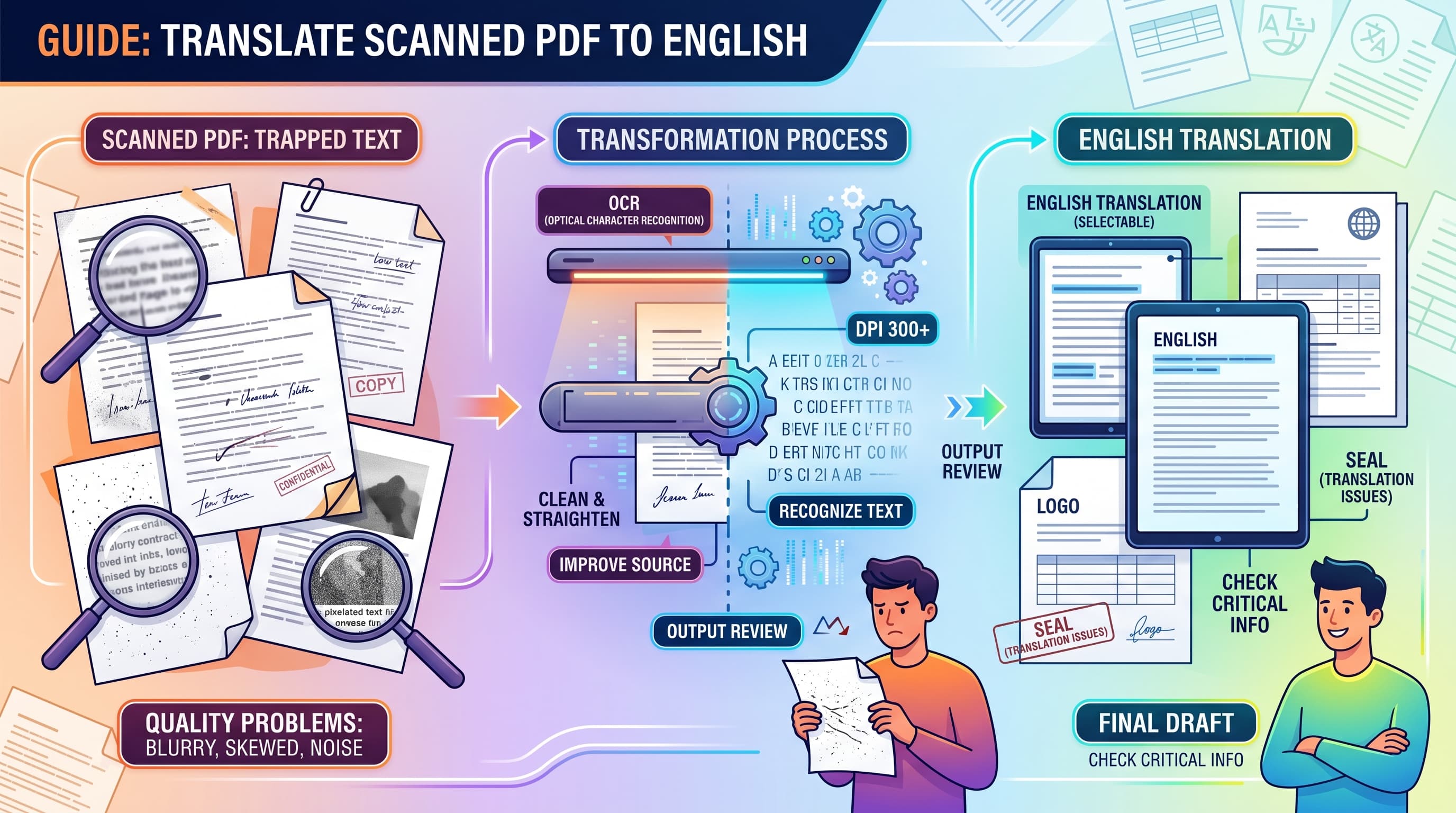
Scanned PDFs are harder than normal PDFs because the text is often trapped inside images. Here is how to get better English translations from scanned files.
Why scanned PDFs are harder
A normal PDF contains text objects that a translation tool can read directly. A scanned PDF often contains only images of pages. Before translation can happen properly, the text usually has to be recognized with OCR.
That extra OCR step introduces risk. Blurry scans, skewed pages, handwritten notes, stamps, and poor contrast can all reduce accuracy before translation even starts.
Best workflow for scanned PDFs
Start by checking whether the file is really scanned. Try selecting text. If you cannot, assume OCR is needed. Then use the cleanest scan available, with straight pages and readable contrast.
- Use the original scan rather than a screenshot of the scan.
- Prefer 300 DPI or better when rescanning.
- Crop blank margins and rotate crooked pages before upload.
- Review names, numbers, and headings after translation.
What to expect from the output
Even a good tool may produce more formatting drift on scanned PDFs than on digital PDFs. Tables, seals, and unusual fonts are especially prone to OCR errors.
If the file is important, think of the first translated version as a working draft. It may be usable immediately for understanding, but still worth checking before you forward it to clients or authorities.
How to improve results
Better source quality almost always beats post-fix effort. If you control the scan, improve that first. If not, split large files, remove obviously blank pages, and test a few pages before processing the full document.