
How to translate PDF online (free & fast)
A practical guide to translating PDFs online quickly, including how to preserve layout, handle page limits, and avoid common mistakes.
Published 2026-04-16 · 5 min read
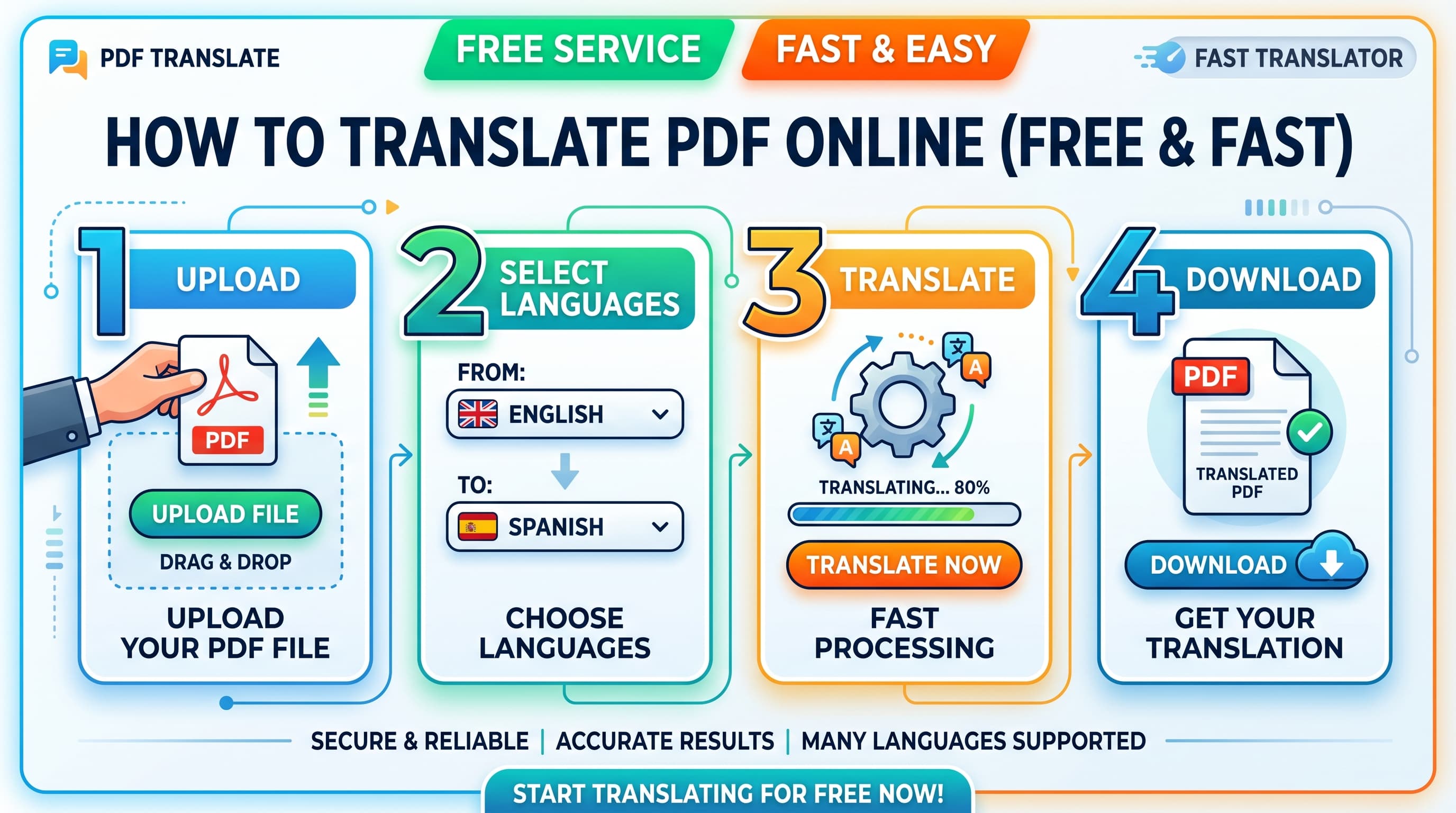
Need a fast way to translate a PDF without rebuilding the formatting by hand? Here is a simple workflow that keeps the process quick and predictable.
Start with the right kind of tool
If the PDF is a real document with selectable text, use a document-focused translator rather than copying text into a generic text box. The difference matters because paragraphs, tables, and headings often need to stay in place after translation.
A fast workflow starts by checking whether the PDF opens cleanly, whether the text is selectable, and whether the file size is reasonable. Small clean PDFs usually translate much faster than scans, image-heavy files, or exports with broken fonts.
Fast workflow for translating a PDF online
Upload the PDF, confirm the detected language, pick the target language, review the page count, and start the translation. If the tool shows a preview or pricing breakdown before checkout, use that step to catch issues early.
- Use the original PDF rather than a print-to-PDF copy when possible.
- Keep the filename clear so you can track versions later.
- Review page count before paying or submitting.
- Download and skim the output before sending it onward.
How to keep it free or low-cost
Free PDF translation is usually limited by pages, file size, or formatting quality. For short files, those limits can be enough. For multi-page business documents, a paid document workflow is often faster overall because you avoid manual cleanup afterward.
If your tool offers free starter pages, use them to test a real file first. That tells you whether the formatting and translation quality are good enough before you commit to a longer document.
Common mistakes to avoid
The biggest mistake is assuming every PDF behaves the same. Scanned PDFs, legal forms, brochures, and plain text reports all behave differently during translation.
- Do not judge output quality from page one alone if the file has tables later.
- Do not use a screenshot PDF when the original digital PDF exists.
- Do not skip the final review for names, numbers, dates, and signatures.