
Best document translation tools online
What to look for in document translation tools online, including language coverage, support for PDFs and Office files, and business use cases for global teams.
Published 2026-04-16 · 6 min read
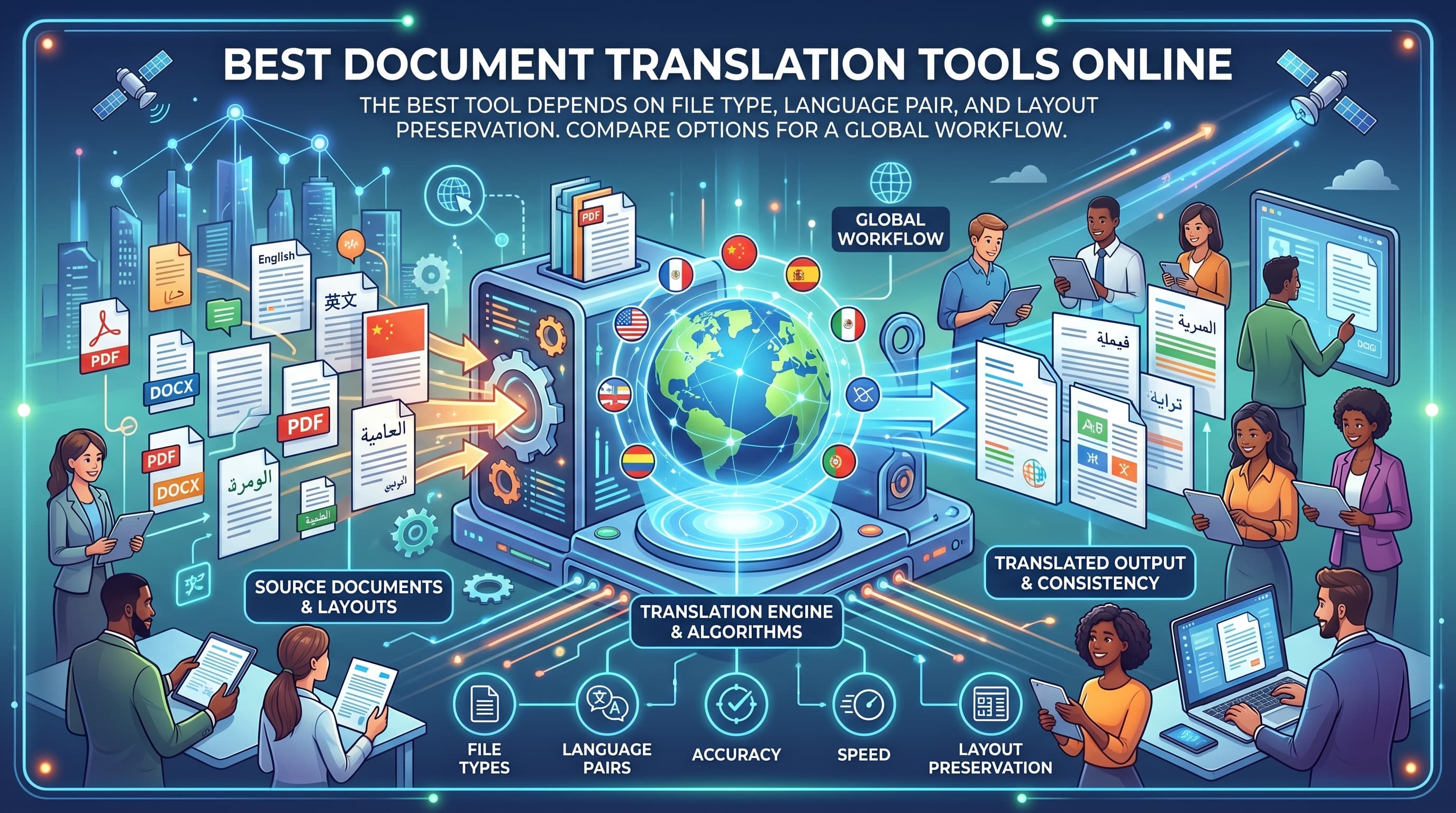
The best document translation tool depends on the file type, language pair, and how much layout preservation matters. Here is how to compare options for a global workflow.
What matters most when choosing a tool
People comparing document translation tools usually care about three things: strong language coverage, predictable pricing, and output that still looks professional after download.
That means the best tool is rarely the cheapest text translator. It is the one that supports your real file type, lets you inspect pricing before payment, and does not force you to rebuild the layout afterward.
How to compare tools
Look at the full workflow instead of a single headline claim. A tool that handles PDF, Word, PowerPoint, and Excel in one place will usually save more time than switching between separate tools for each format.
- Language coverage for the language pairs your team actually uses.
- Support for PDFs as well as Office files.
- Whether pricing is shown clearly before translation starts.
- Whether downloads preserve structure, not just raw text.
- Whether the service is practical for invoices, decks, reports, and legal drafts.
When a document-focused tool wins
If you are translating business files, a document-focused workflow usually wins over free text translators. That is especially true for forms, quotations, brochures, compliance documents, and presentations where layout carries meaning.
For short informal text, a free tool may be enough. For client-facing files or internal operations, the cost of fixing broken formatting often outweighs the savings of a free option.
Best choice by use case
For occasional short text, free consumer tools are fine. For professional PDF and Office workflows, use a platform built around file upload, translation status, and downloadable output.
If your team handles regular multilingual documents across regions, prioritize repeatability and ease of review over headline claims about raw accuracy alone.